💰 Guide
How to Add AdMob Ads to an HTML5 Game (Interstitial & Rewarded)
Learn where to place interstitial and rewarded ads in an HTML5 game and how to connect AdMob through an Android WebView JavaScript bridge.
Updated 2026-11-19 · by HTML Games Code
Short answer
AdMob is a native Android SDK, so an HTML5 game shows AdMob ads through a JavaScript bridge: the game calls a function such as GameAdsBridge.showRewarded(), the Android app displays the ad, then calls a JavaScript callback with the result. Show interstitials between rounds and rewarded ads only when the player chooses a reward.
Where to place ads in a casual game
- Interstitial: after every 2–3 game overs or levels, never in the middle of play.
- Rewarded: revive/continue, double coins, free hint or undo, extra lives, daily gift ×2, offline earnings ×2.
- Banner (optional): on menus only, so it never covers gameplay.
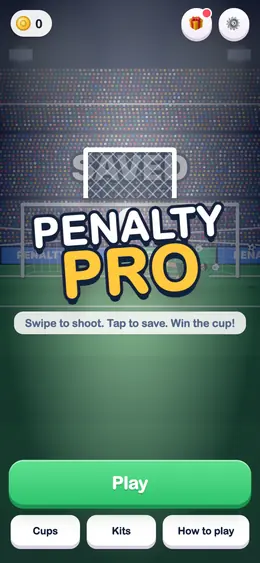
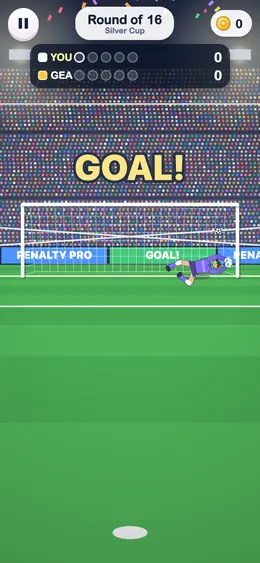
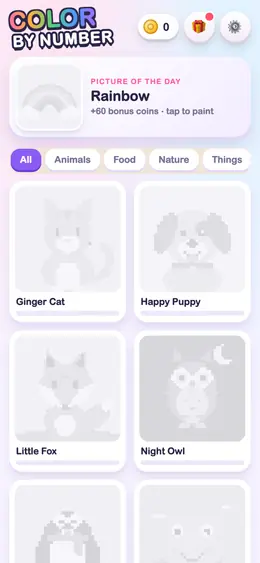
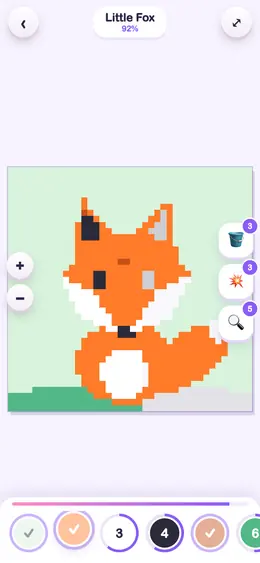
Every HTML Games Code template already has these placements wired, for example Snake Arena's respawn, Ball Sort's +Tube and Idle Tycoon's ×2 profit boost.
The JavaScript side
// the game only ever calls these:
Ads.showInterstitial()   // → Promise<void>
Ads.showRewarded()       // → Promise<boolean> (true = give the reward)

// inside Ads, on Android:
if (window.GameAdsBridge) {
  return new Promise(res => {
    window.onRewardedResult = ok => res(ok === true || ok === "true");
    GameAdsBridge.showRewarded();
  });
}
Add a timeout fallback so the game never waits forever if the native side fails to call back.
The Android side
Register a JavaScript interface on the WebView named GameAdsBridge with showInterstitial() and showRewarded(). Load ads with the AdMob SDK, show them on the UI thread, and when the ad closes call webView.evaluateJavascript("window.onAdClosed()"), or onRewardedResult(true) after onUserEarnedReward.
Avoid policy problems
- Use AdMob test IDs while developing; never click your own live ads.
- Don't show interstitials on app launch or exit, or during active gameplay.
- Always make rewarded ads optional and clearly labeled.
- Add a privacy policy and the required consent message (UMP) for EEA/UK users.
Prefer a done-for-you build? The APK builder connects AdMob with your IDs, included with every game (all 30 for $19), with free builds for 30 days, then $1 each.