🎨 Guide
How to Reskin an HTML5 Game Template in 30 Minutes
A practical checklist to reskin an HTML5 game template: name, colors, art, sounds, economy and ads, so it looks like a brand-new game.
Updated 2026-10-11 · by HTML Games Code
Short answer
Reskinning means changing a game's look and identity without rewriting the code: rename it, change colors and text, swap the art and sounds, and tweak the economy. With a config-driven template, a good reskin takes 30–60 minutes.
1. Name and identity
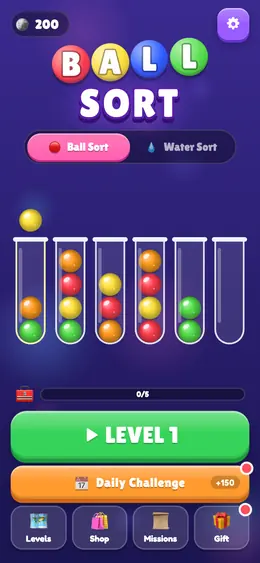
Pick a searchable name (genre + twist, for example "Candy Ball Sort"). In each game's js/config.js, change the title, logo text and theme names. Generate a 512×512 icon and a feature graphic.
2. Colors and theme
UI colors are CSS variables in css/style.css (:root), and in-game palettes (fruits, balls, tower themes, skins) are lists in config.js. Changing 5–6 colors already makes the game feel new.
3. Art (optional)
Every template draws its art in code or uses emoji, so art is optional. To go further, follow the game's assets/README.md: it lists every image with exact file names, sizes and a style prompt you can give to an artist or an AI image tool. Missing images fall back automatically.
4. Sounds and music
Sounds are synthesized by default. Add your own MP3/OGG files and set their paths in config.js → sounds to replace any effect or the music loop.
5. Economy, difficulty and content
- Prices, rewards and daily gifts:
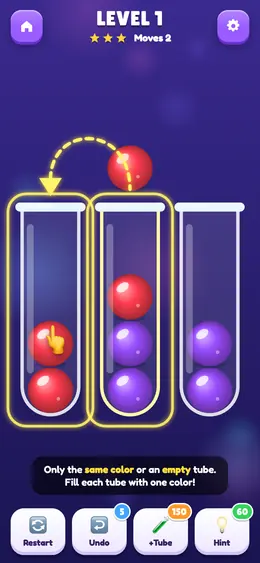
config.js → economy. - Levels: regenerate with a new seed (Ball Sort, Word Connect) for a distinct game.
- Questions: edit the CSV (Quiz Rush).
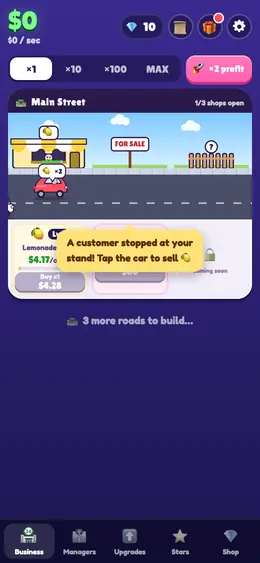
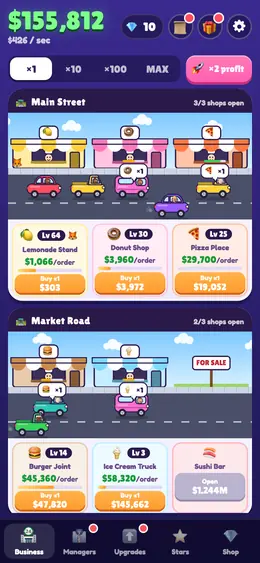
- Businesses: rename and re-price (Idle Tycoon).
6. Ads and publishing
Set the interstitial frequency, connect AdMob or a web portal SDK, and publish. Browse the 10 templates, or order a ready Android build from the HTML Games APK Builder.